All modules
Ten connected modules. One database.
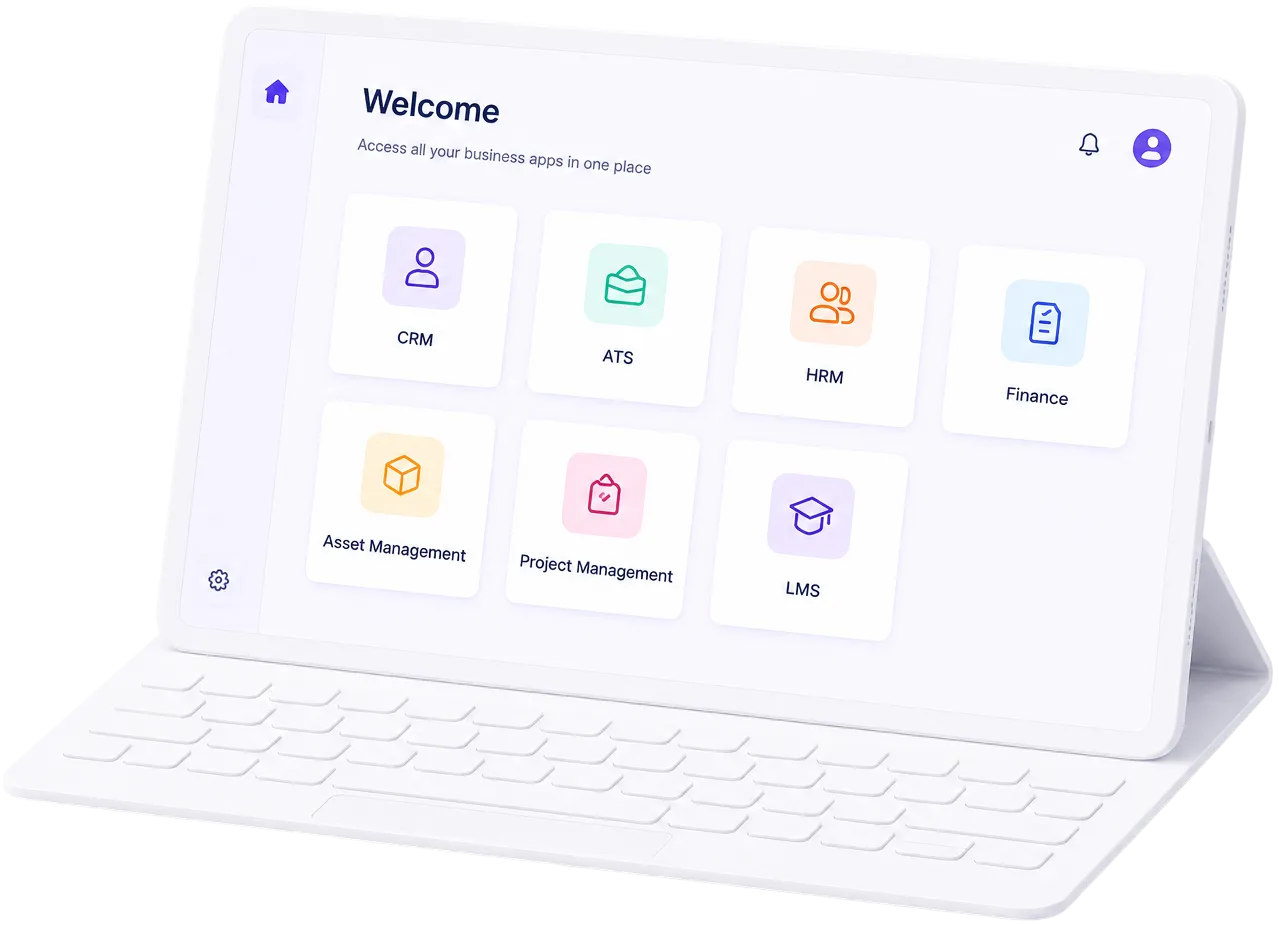
Each Amaal module stands on its own, but they share one database, so a lead becomes a project, a project becomes hours, and hours become payroll and invoices without anyone re-keying a thing.
People
Work
Money & compliance
One database underneath all of it.
The modules aren’t integrations bolted together. They’re views of the same data. Watch one job move through the whole system without a single re-key:
Modules FAQ
All modules: questions people ask
What modules does Amaal include?
Amaal includes ten connected modules (HRM & Payroll, ATS & Hiring, LMS, Reviews & OKRs, CRM, Projects, Time Tracker, Assets, Docs, and Finance) plus Approvals & Workflows that route requests across all of them. Everything runs on one database as a single small ERP for service businesses in Oman.
Do I have to use every Amaal module?
No. Each Amaal module stands on its own, so you can start with the ones you need most, say HRM & Payroll and CRM, and switch others on later. Because they already share one database, adding a module means new capability, not a new integration project.
How do Amaal's modules connect to each other?
Amaal's modules share a single database and a single record for each employee, client, and project. A won CRM deal becomes a project, tracked hours become a timesheet, and approved time flows into payroll and OMR invoices, without anyone re-keying data between systems.
Is Amaal one system or separate apps?
Amaal is one system with one login and one database. The modules are different views of the same connected data, which is why sales, delivery, HR, and finance stop arguing about whose number is real.